01
Add
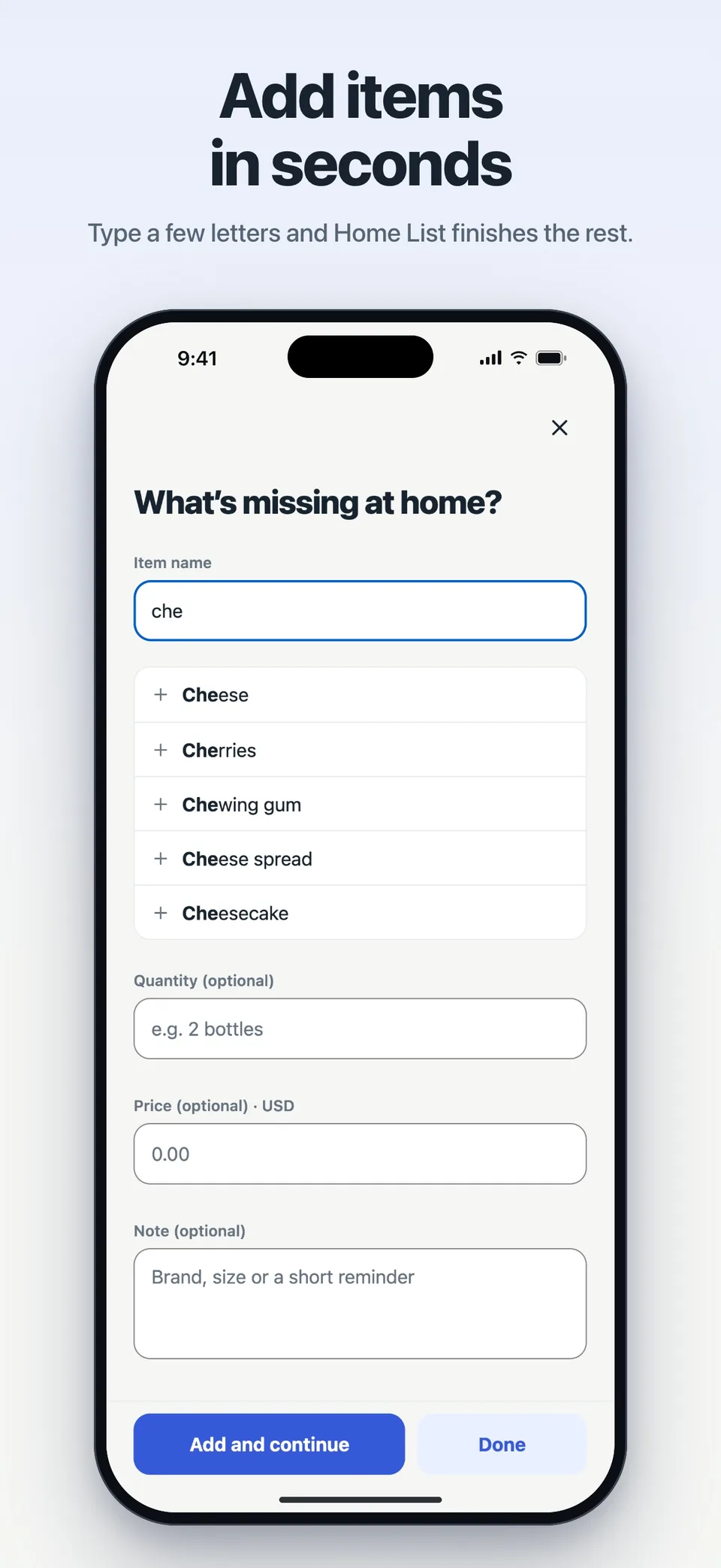
Type “che” and Cheese is suggested. Your home's frequent buys come back with one tap, quantity included. Every item shows its own icon in the right aisle.
The list you keep together
Everyone at home adds what's missing. Whoever goes shopping checks off what they buy; anything they couldn't get stays on the list, the rest goes to history. No ads, no clutter.
HOME LIST / 28s
See how a thought becomes a shared list, a shopping trip, and one less thing to remember.
Videos are in English. Screens show an illustrative household; notification cards are previews.
01 / HOME LIST
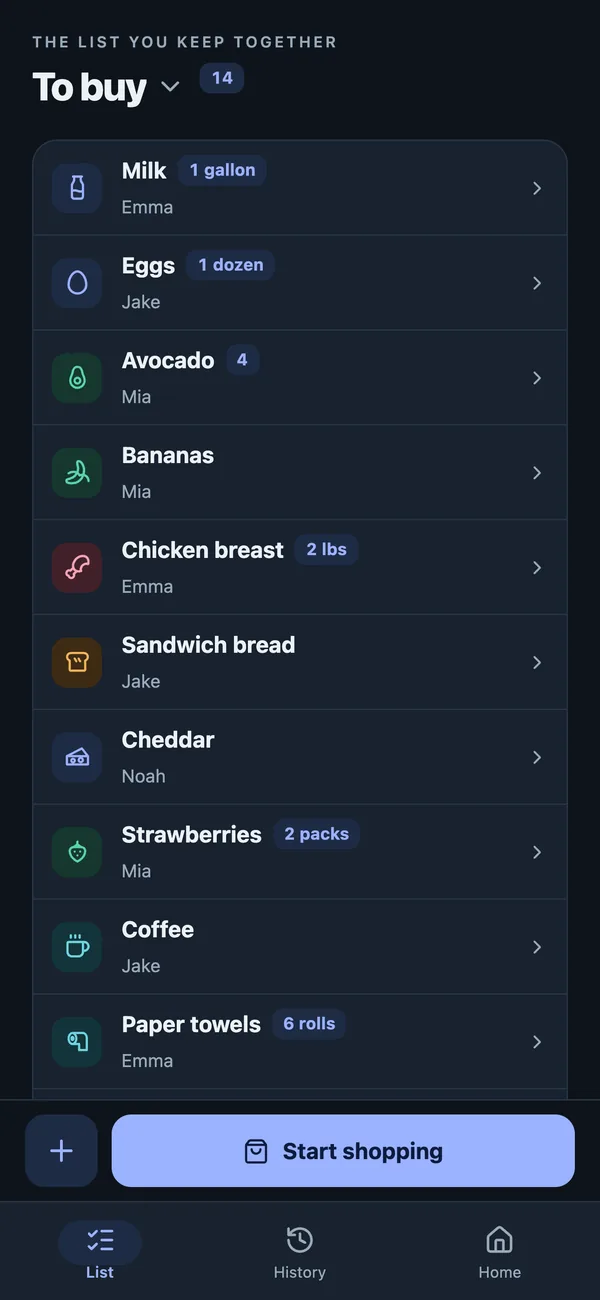
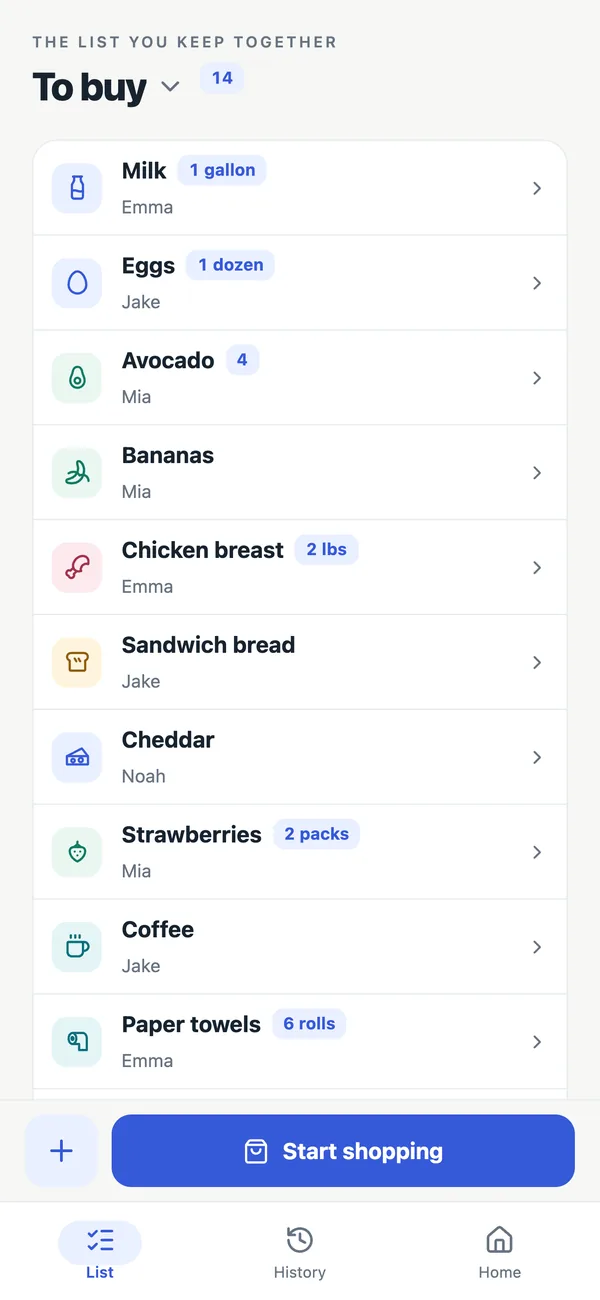
Produce, dairy and breakfast, household… Items are grouped in the order of store aisles. If the guess is wrong, change the item's aisle yourself.
Type “che” and Cheese is suggested. Your home's frequent buys come back with one tap, quantity included. Every item shows its own icon in the right aisle.
Tap Start shopping and the list follows the aisles. Tap the circle on the right for what you buy, and Not bought for what you can't find. How many you've got always stays at the top.
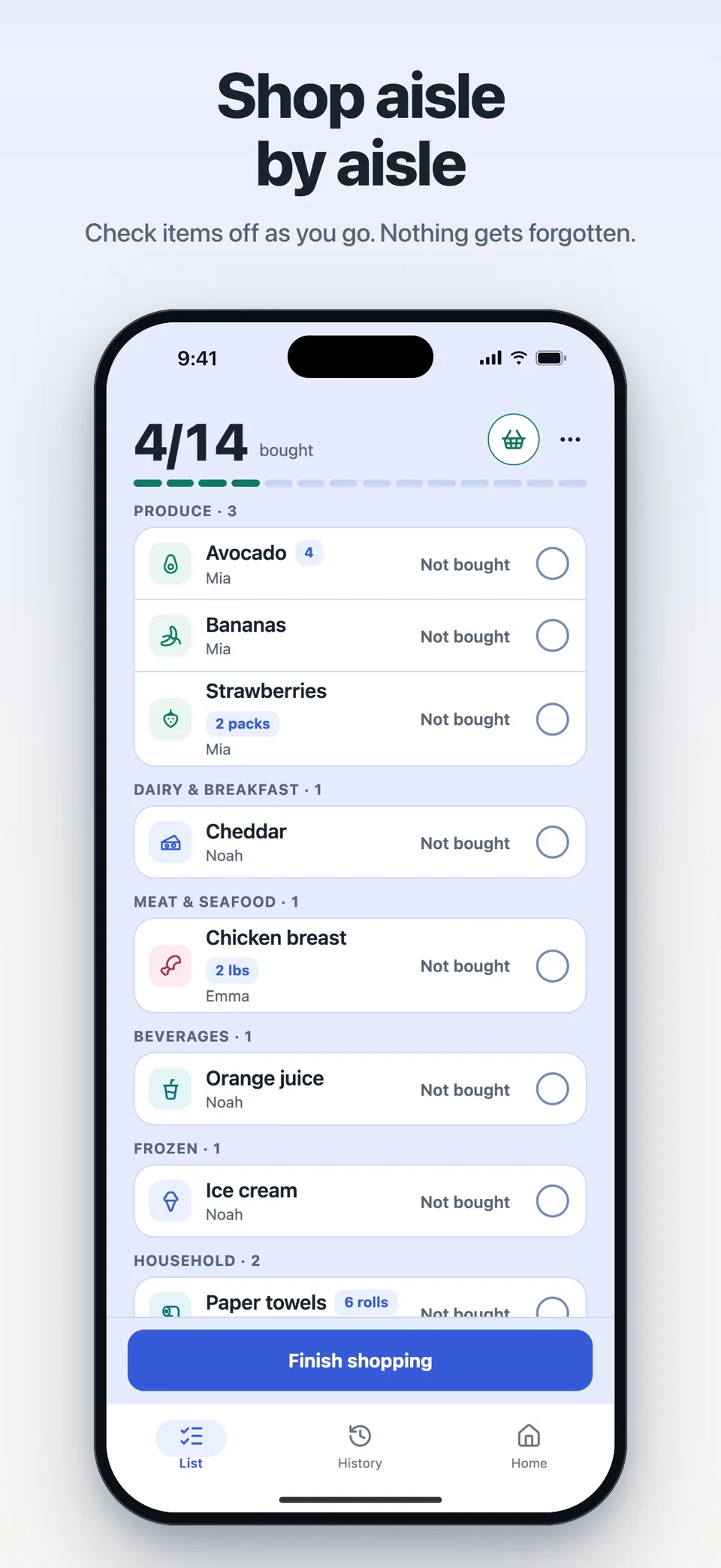
Finish shopping removes what was bought; what wasn't stays on the list. The trip is saved to History with its date, the shopper and notes.
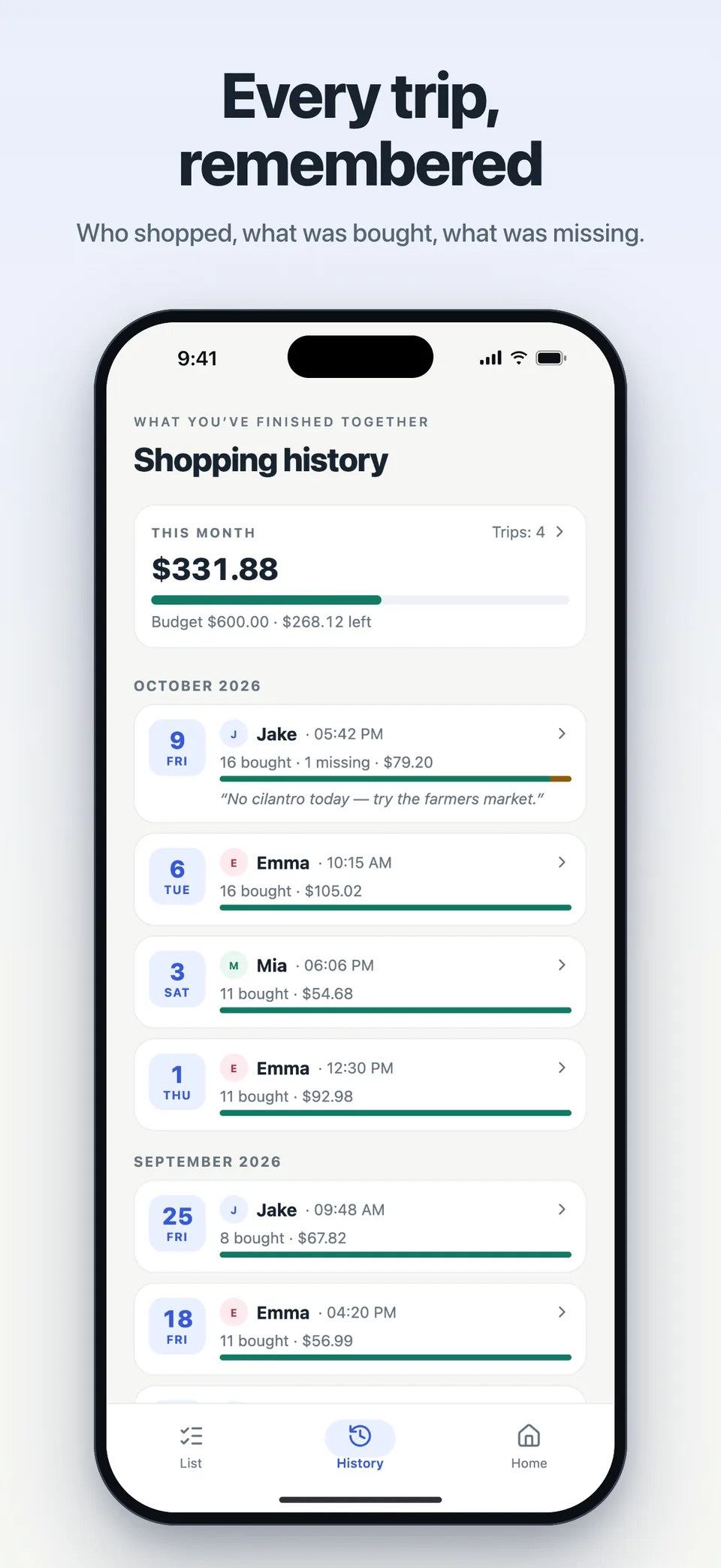
02 / HOME LIST
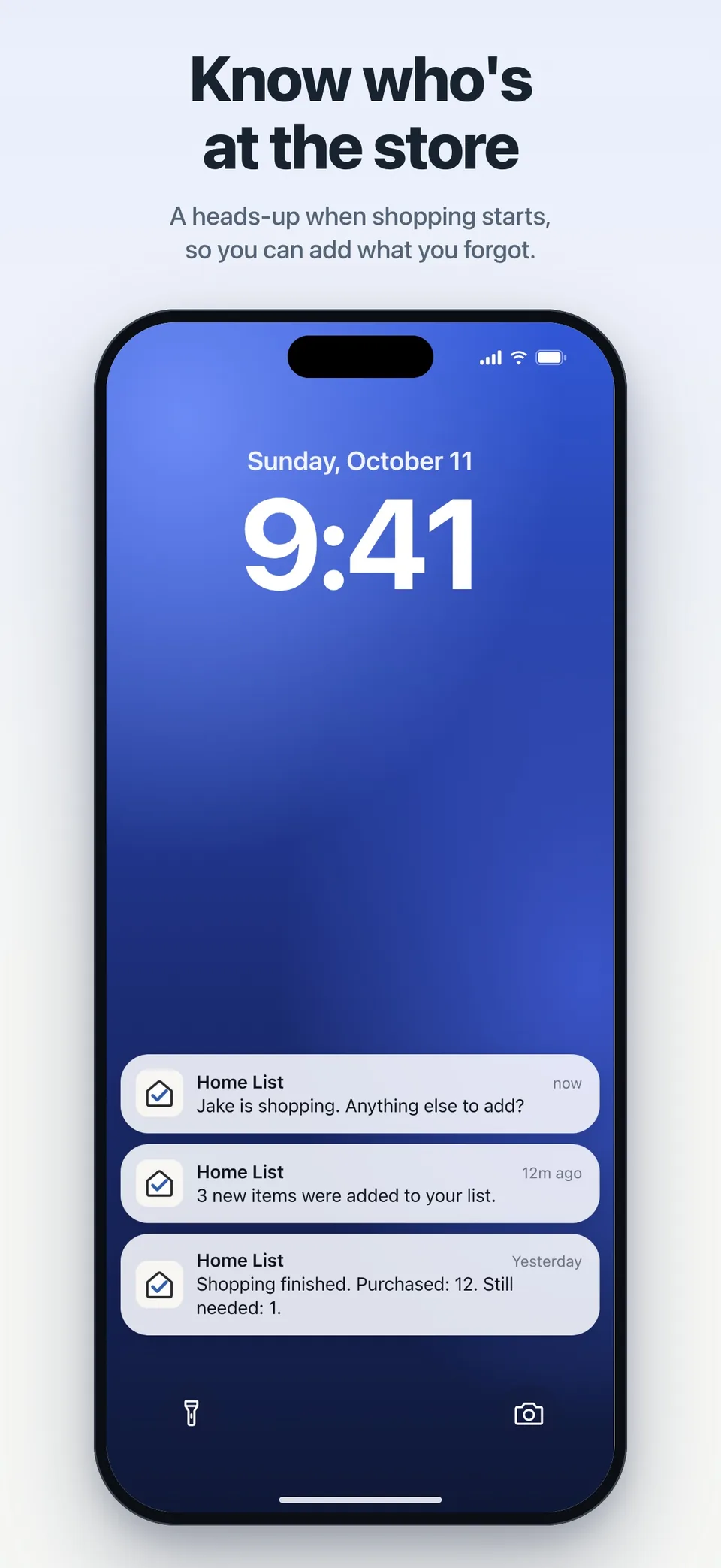
You hear when items are added and when shopping starts and ends. Several additions in a row arrive as one notification. Item names never appear on the lock screen; the “shopping started” alert tells you who is shopping.
When someone at home adds milk, it shows up right away on the shopper's screen. Press and hold an item and drag it to put the list in your home's order.
Add items even in a basement store with no signal. Changes wait on the phone and sync with your home when you're back online.
03 / HOME LIST
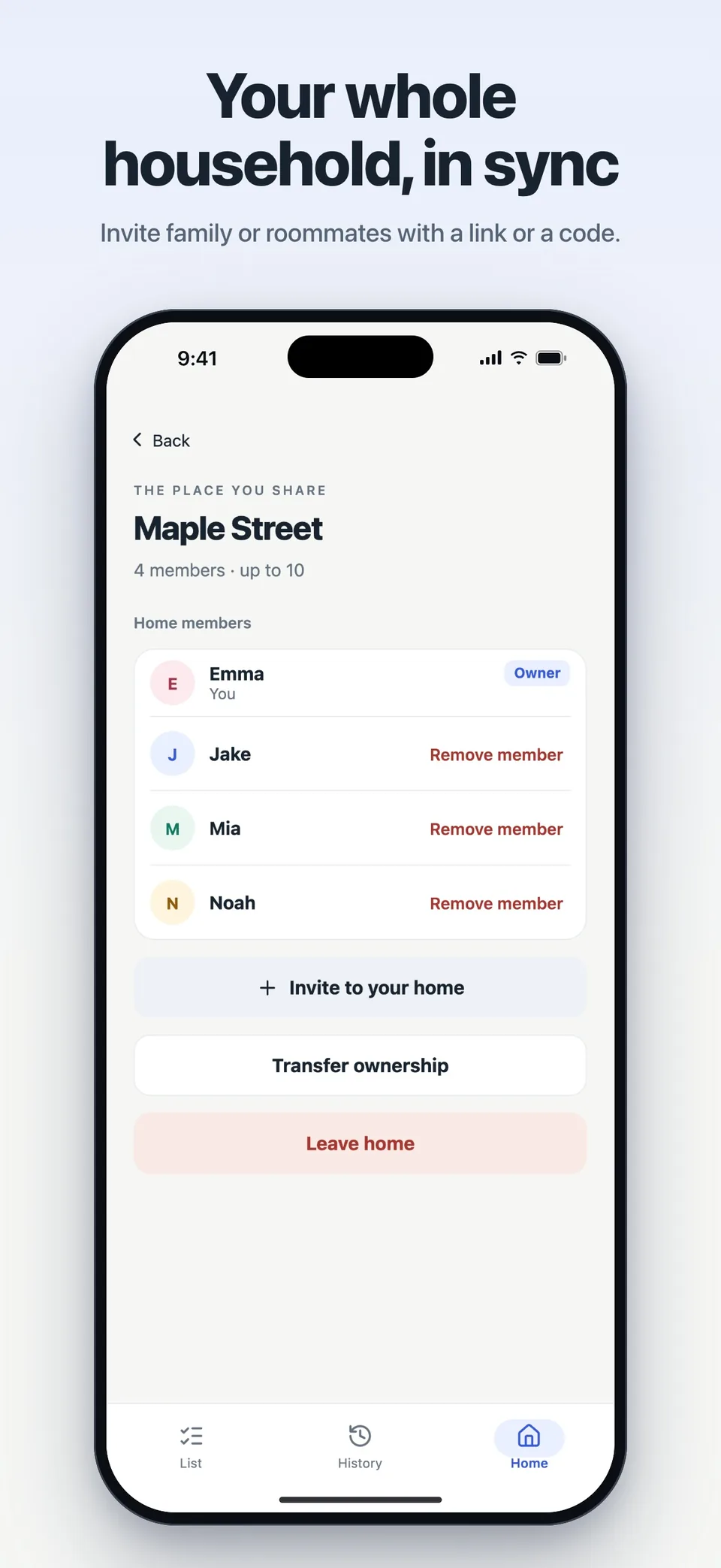
Tap the home card to see members, share an invitation code or link, transfer ownership or leave the home. Free homes have up to 4 people; with Home List Plus, up to 10.
If plans change, cancel the shopping trip; if the shopper's battery dies, someone else at home can take over and finish it.
HOME LIST PLUS
One person gets Plus; everyone in the home enjoys the shared features. Your shared list, shopping together, and the last 30 days of history remain free.
Optional in-app purchase
Separate lists for the market, the pharmacy or the bakery, each with its own order and shopping trip.
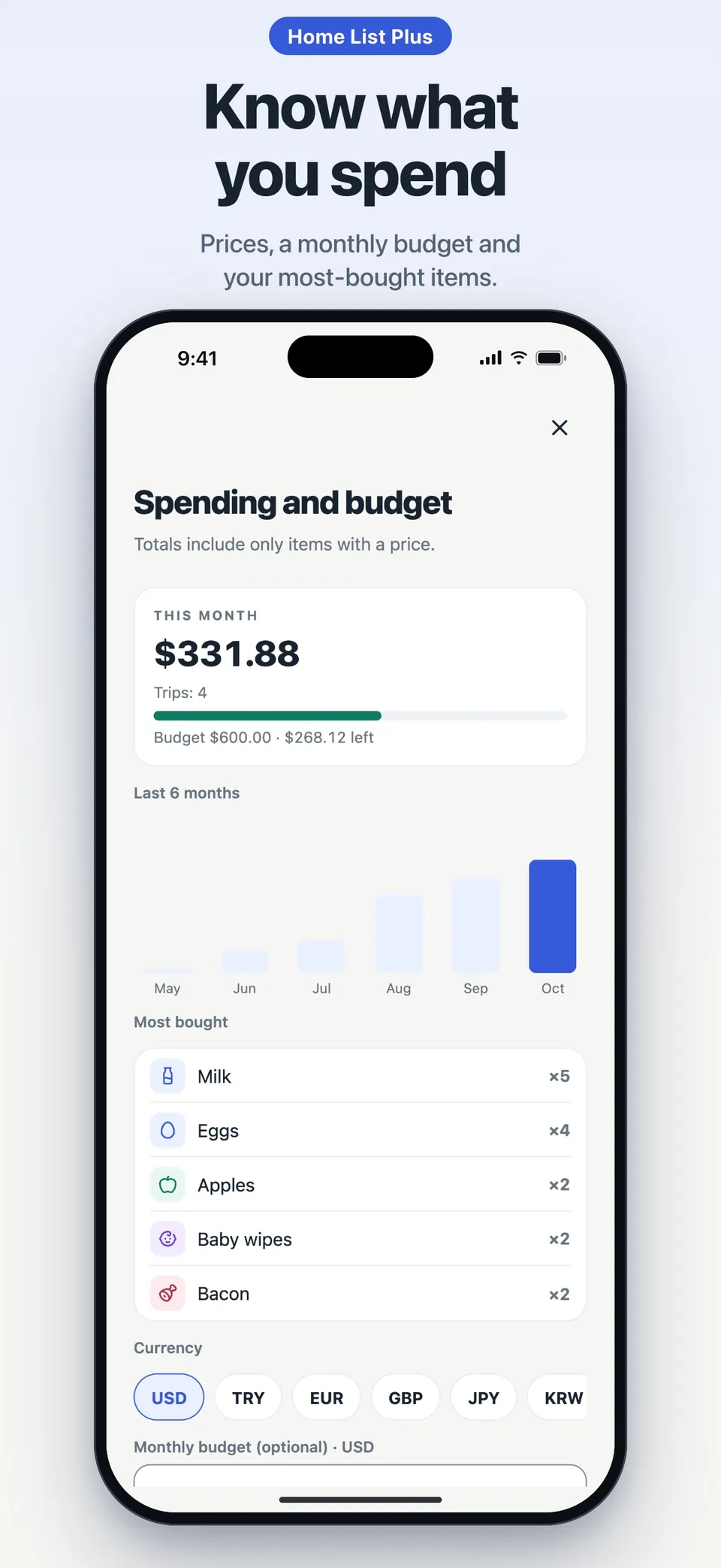
Note prices, see each trip's total and your monthly spending against a budget, with six months of statistics.
Milk every week, detergent every month, added on their own. Keep receipt photos with each trip.
Up to 10 people in a home, full history, up to 5 homes and a home screen widget.
| Home List | Free | Plus |
|---|---|---|
| People per home | 4 | 10 |
| Lists per home | 1 | 20 |
| Shopping history | 30 days | Full history |
Yearly with a 7-day free trial, or a one-time lifetime purchase; the app shows the price in your currency. If Plus ends, nothing is deleted.
04 / HOME LIST
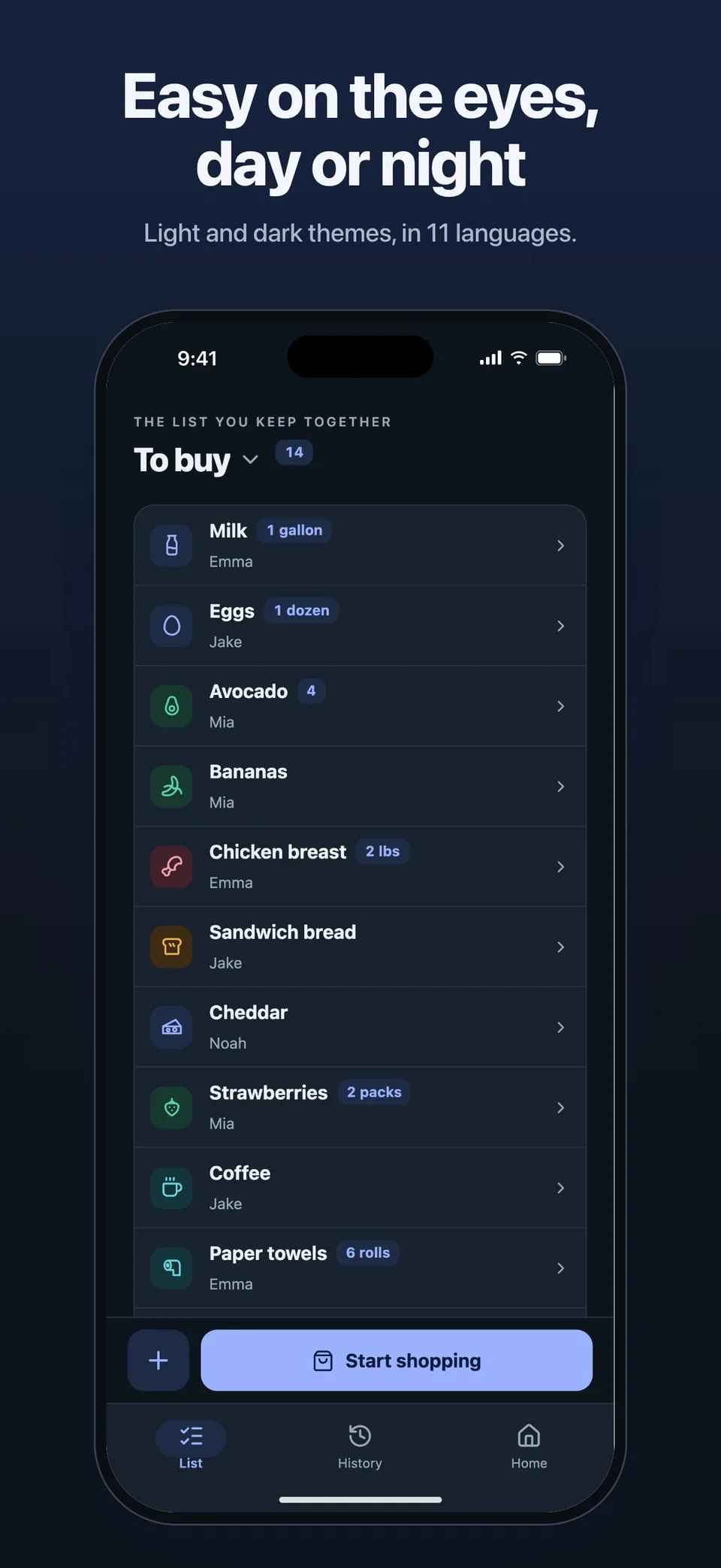
Follows your phone, or choose it yourself in My account. With Reduce Motion on, animations stay calm.
The app uses your phone's language; change it in My account → App language. The interface, item suggestions, aisles and notifications all follow the language you choose.
No ad trackers and no selling of data. Delete your account from the app at any time; turn crash reports off in My account.
Yes. Share one list with up to 4 people and see the last 30 days of shopping history for free. Plus is optional.
Yearly with a 7-day free trial, or a one-time lifetime purchase; the app shows the price in your currency. If Plus ends, nothing is deleted.
Add items even in a basement store with no signal. Changes wait on the phone and sync with your home when you're back online.
Only the people in your shared home. There is no public feed. You can leave a home or delete your account at any time.

HOME LIST
The iPhone version is in TestFlight and the Android version is in Google Play internal testing. Store links will appear here after release.
Get in touch ↗